
The Tool That Stayed Internal (Until Now)
Every developer has that one internal utility—the script, the wrapper, or the small app—that they use every single day, even though it was never meant for public consumption. For us, that tool is Texti.
Texti started as a response to a very specific frustration: the gap between a basic notepad and a full-blown Integrated Development Environment (IDE). Most modern editors are trying to become everything to everyone. They want to be your terminal, your git client, your debugger, and your project manager all in one window. While that's powerful, it often introduces a level of noise that can be distracting when you just need to edit a configuration file, check a log, or jot down some notes in a source file.
We wanted something that felt quiet. We wanted a tool that respected the document as the primary surface and kept the interface out of the way. After using it internally for a while and finding it genuinely improved our daily workflow, we decided it was time to share it with the rest of the community. So, we've open-sourced it.
What Exactly is Texti?
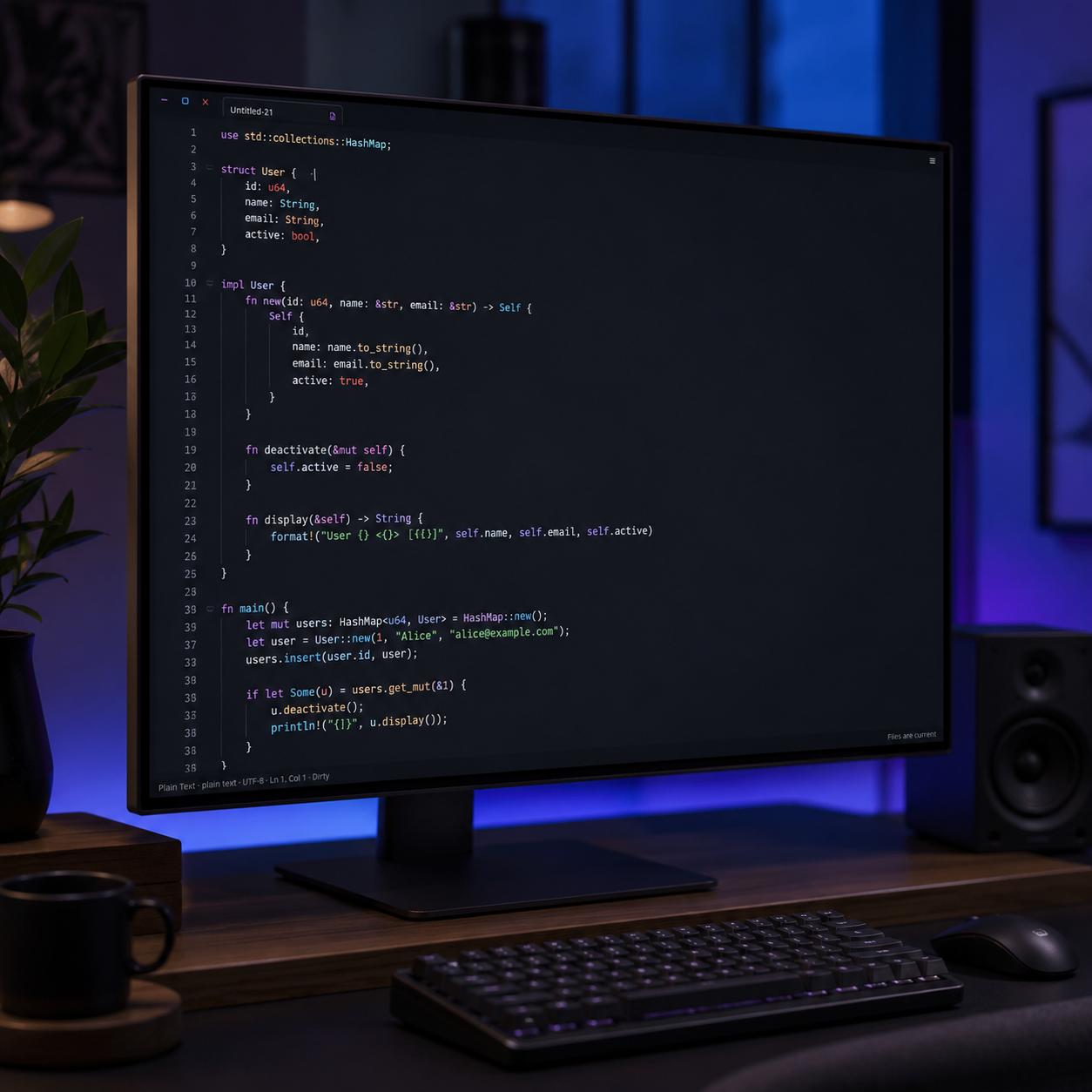
At its core, Texti is a fast, focused Linux desktop text editor built with Rust and Slint. It is designed for the daily work of software development and system administration without the overhead of a massive plugin ecosystem or a heavy memory footprint.
If you've read our thoughts on the rise of the quiet tool, you know we have a bias toward software that doesn't try to think for us. Texti is the embodiment of that philosophy. It doesn't have a permanent sidebar, it doesn't have a toolbar, and it doesn't have a built-in terminal. Instead, it uses temporary overlays and a searchable command palette to keep the focus entirely on your text.
The Design Philosophy: Document First
The guiding principle behind Texti is that the document is the most important thing on the screen. To achieve this, we made a few intentional choices about what not to include. We believe that adding features is easy, but maintaining a focused boundary is the real challenge.
We've all experienced the "feature creep" of our favorite tools. An editor starts as a simple text box, then adds a file tree, then adds a git integration, then adds a terminal, and suddenly you're managing the editor more than you're managing your code. Texti rejects this trajectory. We've intentionally omitted several standard "modern" editor features to preserve a specific kind of mental clarity:
- No Permanent Sidebars: Workspace browsing and recent files are available, but they appear as temporary overlays. When you're done navigating, they disappear, giving the full width of the window back to your code. This removes the constant visual noise of a file tree that you only need 5% of the time.
- No Plugin Bloat: By intentionally omitting a plugin system, we ensure the editor remains fast, predictable, and stable. You don't have to spend your first three hours of a project configuring a
settings.jsonfile or debugging a broken extension. - No LSP (Language Server Protocol): While LSPs are great for deep refactoring, they often add significant latency and memory overhead. Texti relies on fast, automatic syntax detection and highlighting to give you the visual cues you need without the heavy lifting of a background server.
Instead of these permanent fixtures, we've focused on making the basics feel seamless. The header is a compact, single row with scrollable document tabs. If you need to do something specific—like change a setting or find a file—you hit Ctrl+Shift+P to open the command palette, do the task, and get back to writing. It's a workflow of intent rather than browsing.
Technical Underpinnings: Performance and Safety
Because we built this in Rust, performance and safety were non-negotiable. We didn't want an editor that felt like a web browser masquerading as a desktop app. We wanted something that launched instantly and felt connected to the metal.
We used Ropey for buffer management, which allows Texti to handle larger files efficiently without lagging the UI. For the interface, we chose Slint, which allows us to compile a lean, native UI that feels snappy on Linux. The result is a tool that doesn't eat your RAM just to open a 500-line config file.
One area we spent a significant amount of time on was file safety. There is nothing worse than an editor that crashes and takes your unsaved work with it. To solve this, Texti implements several layers of protection:
- Atomic Saves: Texti doesn't just overwrite your file. It writes a temporary sibling file, syncs it to disk, and then atomically replaces the target. This prevents file corruption if the system loses power mid-save.
- Session Recovery: Texti persists a versioned session manifest. If the app closes unexpectedly, your dirty buffers are restored from stable recovery snapshots on the next launch. Your drafts are held in a secure, local-only storage, meaning your work is safe even if you forgot to hit
Ctrl+S. - Encoding Integrity: We've ensured that Texti handles UTF-8 and UTF-16 round-trips correctly and preserves LF/CRLF line endings. It's a boring detail until it's the only thing that matters when you're editing a cross-platform configuration file.
We also wanted to ensure that Texti plays nice with the Linux ecosystem. It integrates cleanly with XDG application directories and doesn't try to hijack your default application associations; it just lives in ~/.local/bin and does its job without making a scene.
Who is this for?
Let's be clear: Texti isn't trying to replace VS Code or JetBrains for someone doing massive architectural refactors across a million-line codebase. It's not an IDE, and it doesn't want to be. If you need semantic refactoring, multi-cursor editing, or a built-in debugger, you should keep using the heavy tools.
However, Texti is perfect for the gaps in between. It's for the moments when the overhead of an IDE is actually a hindrance. Specifically, it's for:
- The "Quick Edit" Workflow: When you need to change one line in a
.envfile or asystemdconfig and don't want to wait 10 seconds for an IDE to index your project and load its plugin suite. - Log Analysis: Opening large log files with a tool that doesn't choke, doesn't try to "index" a 2GB text file, and provides a clean, dark interface.
- Focused Writing: Using a distraction-free environment for notes, markdown, or documentation where the only thing on screen is the text.
- Linux Purists: People who appreciate a tool built specifically for the Linux desktop that follows the principle of doing one thing and doing it well.
Why Open Source it?
The honest answer is: why not? We found it useful. We know other people who feel the same way about the "IDE-ification" of every text editor. By putting Texti on GitHub, we're not just sharing the code; we're inviting others to help us refine what a "focused editor" should actually look like.
This fits into a larger pattern we've been discussing regarding quiet software—the idea that the most productive tools are often the ones that stay out of your way until the exact moment you need them. We believe there is a growing demand for software that respects the user's attention and doesn't try to monopolize the screen with "helpful" sidebars and AI suggestions that you didn't ask for.
Open sourcing Texti is an experiment in minimalism. We want to see if a tool that does fewer things, but does them with absolute reliability and speed, can actually be more productive than a tool that does everything but does it with a layer of friction.
Getting Started
Texti is available as a Debian package and an AppImage, making it easy to run on Ubuntu, Debian, and other modern Linux distributions. You can download the latest release from the GitHub repository, or if you're feeling adventurous, you can build it from source using the provided justfile.
We're starting with version 1.0, which means the core foundations—session recovery, syntax highlighting, and basic file operations—are solid. We're not looking to add a thousand features; we're looking to make the existing ones as polished as possible. We're focusing on the feel of the cursor, the speed of the command palette, and the reliability of the save process.
If you give it a try, let us know. Whether it's a bug report or a suggestion on how to make the command palette more intuitive, we're open to it. In the meantime, we'll be over here using it to write the next set of internal tools.
Check it out on GitHub: github.com/joshy1187/texti