
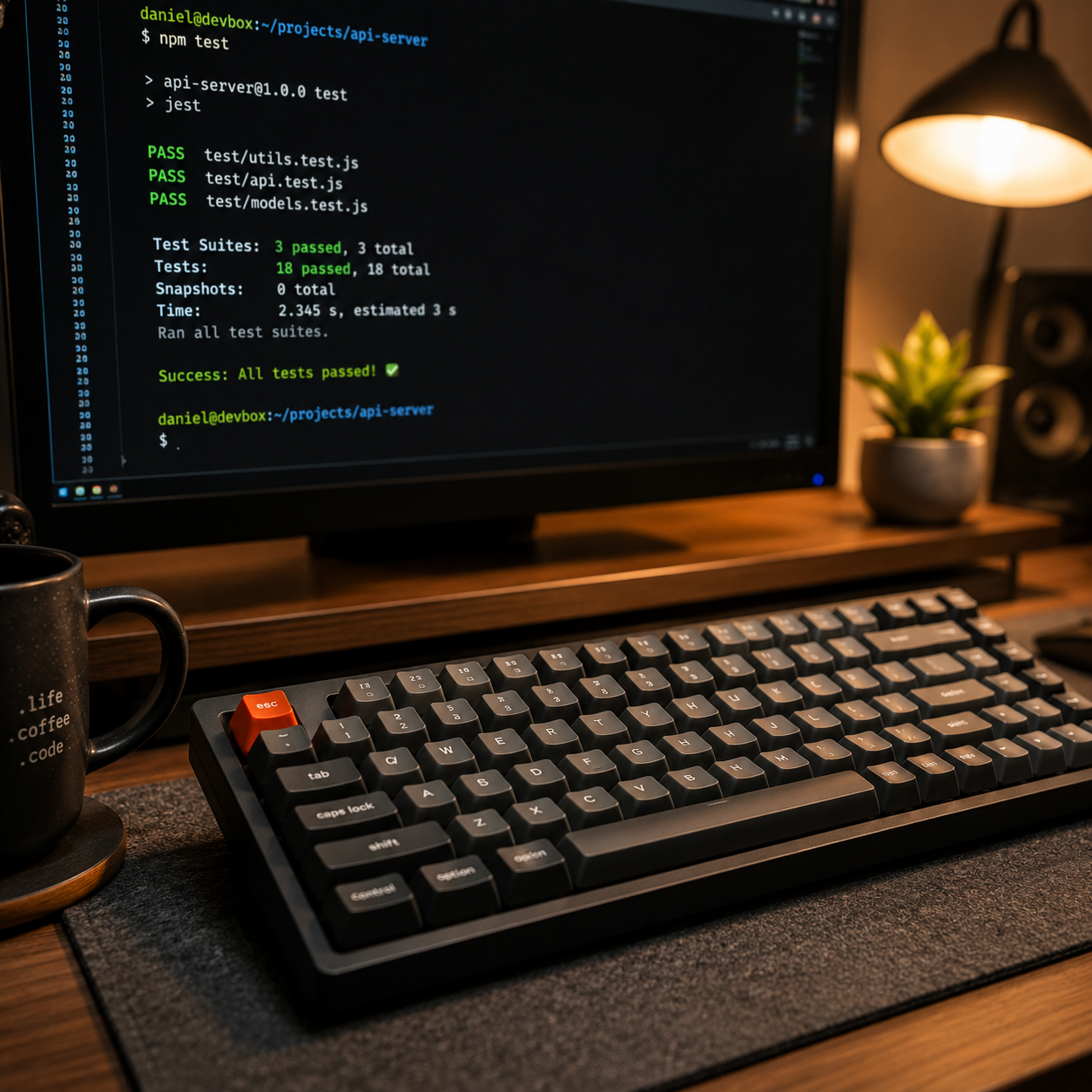
The Wall Between You and the Command Line
For almost everyone starting out in software development or system administration, there is a specific moment of tension. It happens the first time you open a terminal and realize that you are no longer interacting with a friendly user interface. There are no buttons to click, no 'Undo' shortcuts that actually work, and no safety rails. You are typing direct commands into the heart of the operating system.
For a lot of people, this is where the anxiety kicks in. The fear isn't usually about the complexity of the commands—it's about the consequences. We've all heard the horror stories of a misplaced rm -rf / that wipes an entire drive or a configuration error that knocks a production server offline. When the stakes are that high, the natural human response is to hesitate. We read the tutorials, we watch the YouTube videos, and we copy-paste commands we don't fully understand just to see if they work. But we aren't actually learning; we're just trying to survive the session without breaking something.
I've been there. I know exactly what it feels like to stare at a blinking cursor and hesitate because the cost of a mistake feels too high. That hesitation is the biggest barrier to growth. To truly understand UNIX and server operations, you have to be able to fail. You have to be able to run a command, see it fail, figure out why, and try again. If you're too afraid to make a mistake, you'll never build the muscle memory required to be proficient.
Why a Sandbox Matters
The problem with most learning environments is that they are either too abstract (a textbook) or too risky (a live VPS or a local machine you actually need for work). There is a missing middle: a place where the environment is real enough to be useful, but fake enough to be disposable.
That is why I built learn.clairos.ai. My goal was simple: create a space where the fear of breaking the system is completely removed from the equation.
The platform uses fake emulators. When you type a command into the terminal on the site, you aren't risking a real filesystem or a live server. You are operating in a sandboxed environment designed specifically for training. If you delete everything, if you crash the simulated process, or if you mess up the permissions—it doesn't matter. You just reset and go again.
The Psychology of Safe Failure
When you remove the risk, something interesting happens to the way you learn. You stop treating the terminal like a minefield and start treating it like a playground. Instead of cautiously following a step-by-step guide, you start asking "What happens if I do this?"
This shift from passive consumption to active experimentation is where the real learning happens. In a sandbox, failure isn't a disaster; it's data. Every error message becomes a clue rather than a catastrophe. By iterating quickly—trying a command, failing, adjusting, and succeeding—you build a deep, intuitive understanding of how the system actually works. This is the difference between knowing a command exists and knowing how it behaves when it's pushed to its limits.
Beyond the Tutorial: Building Habits
Learning a technical skill like UNIX isn't just about knowing which flags to pass to a command; it's about building a habit of thinking in terms of streams, pipes, and files. It's a way of interacting with data that is fundamentally different from how we use a GUI. In a GUI, you are limited by the options the developer gave you. In the terminal, you are limited only by your ability to chain tools together.
To help with this, I've integrated elements that turn the grind of learning into something more rewarding. We have streak tracking and scoreboards because, let's be honest, a little bit of gamification helps when you're pushing through the steeper parts of the learning curve. When you can see your progress and compete with others, the process of mastering the command line becomes less of a chore and more of a challenge.
The UNIX Operator Track
Right now, the platform is focused on the UNIX operator track. I've put together 300 lessons that take you from the absolute basics—navigating directories and manipulating files—to more complex operations. The structure is designed to be tactical. You aren't reading long essays on the history of computing; you are given a task, you execute it in the terminal, and you move forward.
The focus is on doing. I believe that the only way to truly learn a tool is to use it. Reading about grep is one thing; using grep to find a specific string across a hundred simulated files is where the knowledge actually sticks. The goal is to bridge the gap between theoretical knowledge and operational competence.
The Hidden Power of the Command Line
Many people ask why they should bother learning the terminal when modern cloud dashboards and IDEs make everything so easy. The answer is autonomy. When you rely solely on a dashboard, you are seeing a curated version of your system. You are seeing what the dashboard designer thought you needed to see. When you know the terminal, you can see everything.
Whether it's debugging a weird permission issue, automating a repetitive task with a simple bash script, or managing resources across a cluster, the terminal is the most efficient way to communicate with a computer. It's the difference between asking a concierge to get something for you and just walking into the back room and grabbing it yourself. Once you have that level of access, your productivity doesn't just increase—it transforms.
A Passion Project for the Community
This isn't a commercial product. I'm not trying to build a subscription business or a lead-generation funnel. This is a passion project. I'm building this in my free time because I genuinely believe that these skills are foundational for anyone who wants to understand how the modern web and AI infrastructure actually function.
Most of the internet is run on UNIX-like systems. Whether you are deploying a simple website, managing a database, or scaling an AI model, the command line is the primary interface for the people who actually build and maintain these systems. Having a firm grasp of the terminal is like having the keys to the city; it gives you a level of autonomy and control over your tools that you just can't get through a dashboard.
I wanted to give back by providing a resource that I wish I had when I was starting out—something that was guided, safe, and focused on the practical application of the skill. I'm slowly adding more tracks as I have the time, with plans to expand into Web Fundamentals, AI Ops, Security, and Math. The goal is to create a comprehensive training ground for the modern technical operator, one where the cost of curiosity is zero.
Why We Need More Sandboxes
In the broader tech education space, there's a tendency to move toward higher and higher levels of abstraction. We have tools that hide the server, tools that hide the OS, and tools that hide the code. While this makes things easier to start, it creates a fragile kind of knowledge. When something goes wrong beneath those layers of abstraction, the developer who has never touched a terminal is paralyzed. They don't know where to look because they've never seen the plumbing.
By providing a safe place to engage with that plumbing, we aren't just teaching a specific set of commands; we're teaching a mental model of how computers actually work. We're encouraging a culture of exploration. When a student can run a command that would normally be dangerous, and instead of a system crash, they get an error message and a chance to try again, they develop a confidence that no textbook can provide.
How to Get Started
If you've ever felt intimidated by a black screen with a blinking cursor, or if you've been putting off learning server ops because you're afraid of messing something up, this is for you. There is no setup required, no expensive VPS to rent, and no risk of deleting your home directory.
You can just jump in and start playing. Start with the first few lessons, get your streak going, and don't be afraid to break things—because in this environment, breaking things is exactly how you learn to fix them. The terminal isn't a monster to be feared; it's just a different way of talking to your machine. Once you learn the language, the world opens up.
Ready to stop guessing and start doing?