The Friction Tax
There is a subtle, invisible cost to the way we organize our digital lives. We call it the "Friction Tax." It isn't a monetary fee, but a cognitive one. Every time you unlock your phone to perform a simple task—calculating a tip, checking a measurement, or jotting down a fleeting thought—your brain performs a series of micro-calculations. You aren't just looking for an app; you are navigating a visual landscape of icons, colors, and notifications.
When your app drawer is bloated, these micro-calculations accumulate. The split second it takes to distinguish between three different "productivity" apps or to scroll through a page of forgotten utilities is a fracture in your focus. For most, this is an acceptable annoyance. But for those pursuing a state of flow—the Everyday Optimizers and Precision Professionals—this friction is a leak in their mental energy. When you are in the middle of a high-stakes client walkthrough or a deep creative sprint, a three-second delay in finding a tool isn't just a delay; it's a disruption of momentum.
Digital minimalism is often framed as a movement of deprivation—deleting social media or switching to a monochrome screen to avoid the lure of the algorithm. But true digital minimalism isn't about having less; it's about having exactly what you need, exactly where you expect it. It is a study in cognitive ergonomics. The goal is to move the tool from the periphery of your awareness into a seamless extension of your intent.
The Paradox of the All-in-One App
We have been conditioned to believe that the "all-in-one" tool is the pinnacle of efficiency. The market is flooded with "super-apps" that promise to be your calendar, your task manager, your note-taker, and your CRM all in one place. On paper, this reduces the number of icons on your screen. In practice, it increases the friction within the tool itself.
This is the Swiss Army Knife Fallacy. While a Swiss Army Knife is useful for survival in the woods, you wouldn't use the tiny saw on it to build a house. When a tool tries to do everything, the interface becomes a labyrinth of nested menus and hidden settings. You spend more time managing the software than you do performing the task. This is the precise point where productivity dies—not because you lack the tool, but because the tool has become a barrier.
This is why we advocate for the "Single-Purpose Utility." A tool like Callie doesn't try to manage your life or analyze your spending habits; it just does the math. By decoupling our tasks into specialized, high-performance tools, we eliminate the internal friction of bloated feature sets. As we explored in The Cost of Complexity, the simplest tool is almost always the most productive because it requires zero "onboarding" every time you open it. It is a direct line from intent to execution.
The Audit: Cleaning the Digital Junk Drawer
If your home screen feels like a source of stress rather than a launchpad, it's time for a structural audit. Most of us accumulate apps through a process of additive growth—we add a new tool when we encounter a new problem, but we rarely remove the old ones. Over time, your app drawer becomes a digital museum of past interests and failed productivity experiments.
This audit isn't a one-time spring cleaning; it's the establishment of a new baseline for your digital sanctuary. To do this effectively, you must stop looking at your apps as a collection of software and start seeing them as a collection of Jobs to be Done.
Phase 1: The Utility Audit
Go through your app library and ask yourself three rigorous questions for every single icon:
- Does this app solve one problem perfectly, or five problems adequately? If it's the latter, you are likely paying a friction tax. A tool that is "okay" at five things is often more frustrating than five tools that are "perfect" at one thing.
- When was the last time I used this without a sense of obligation? Many apps remain on our screens because we feel we should use them—the language learning app, the high-end meditation tool, the complex project manager. If the app feels like a chore to open, it is no longer a tool; it is a source of guilt.
- Does this tool require a cloud connection to perform a basic local function? If a simple calculator or a note tool requires a login, a loading screen, or a stable 5G connection to function, it is high-friction software. It is tethering your productivity to a server hundreds of miles away.
Phase 2: Mapping by Intent, Not Category
The standard way to organize apps is by category: "Social," "Work," "Finance." While this is logically sound, it isn't a human system. Our brains don't think in categories when we are in a rush; we think in intents.
Instead of a "Finance" folder, try creating an "Immediate Action" folder. This is the sanctuary for tools you need in under three seconds. Your calculator, your primary communication channel, and your quick-capture note tool belong here. By grouping apps by the speed and urgency of the required interaction, you align your digital environment with your brain's current state of arousal. When you are in a hurry, you don't want to think about "Finance"; you want to think about "The Answer," and that is where your low-friction tools should live.
Building a Sanctuary of Tools
Once you have audited your tools, the goal is to move toward a "Quiet Workspace." Quiet software is characterized by its ability to disappear. It doesn't nudge you with notifications, it doesn't suggest "new ways to use the app," and it doesn't demand your attention through bright, flashing badges. It is a tool that waits for you, rather than a tool that summons you.
The Local-First Advantage
A critical component of a low-friction drawer is the adoption of local-first software. In the modern era, we have been sold the lie that the cloud is where the power is. In reality, the cloud is where the latency is. When a tool lives on your device rather than in a distant data center, the "tap-to-result" time drops from seconds to milliseconds.
This may seem like a negligible difference, but in the aggregate, it preserves your cognitive momentum. Every loading spinner is a micro-invitation for your mind to wander, for a notification to distract you, or for your focus to break. For those building a professional ecosystem, this is why we emphasize the Local First Starter Kit. Speed isn't just a feature; it is a prerequisite for clarity. When the tool reacts at the speed of thought, it ceases to be an external object and becomes a cognitive exoskeleton.
The "One-In, One-Out" Rule
The natural tendency of the modern mobile OS is to encourage app creep. Between the "App Store Suggested" lists and the constant stream of "must-have" productivity hacks, your sanctuary is always under siege. To maintain your low-friction environment, you must implement a strict one-in, one-out policy.
If you download a new tool to handle a specific task, you must identify and remove a tool that is no longer serving you with the same intensity. This forces you to evaluate the actual value of the new software against the cost of the space it occupies. It turns the act of downloading an app from a mindless habit into an intentional decision.
The Result: Cognitive Ease
When you curate a low-friction app drawer, you aren't just organizing icons; you are reducing the total amount of decision-making required to start your work. You are moving from a state of reactive navigation (searching for the tool) to intentional execution (using the tool). This shift reduces decision fatigue, leaving you with more mental energy for the actual work that matters.
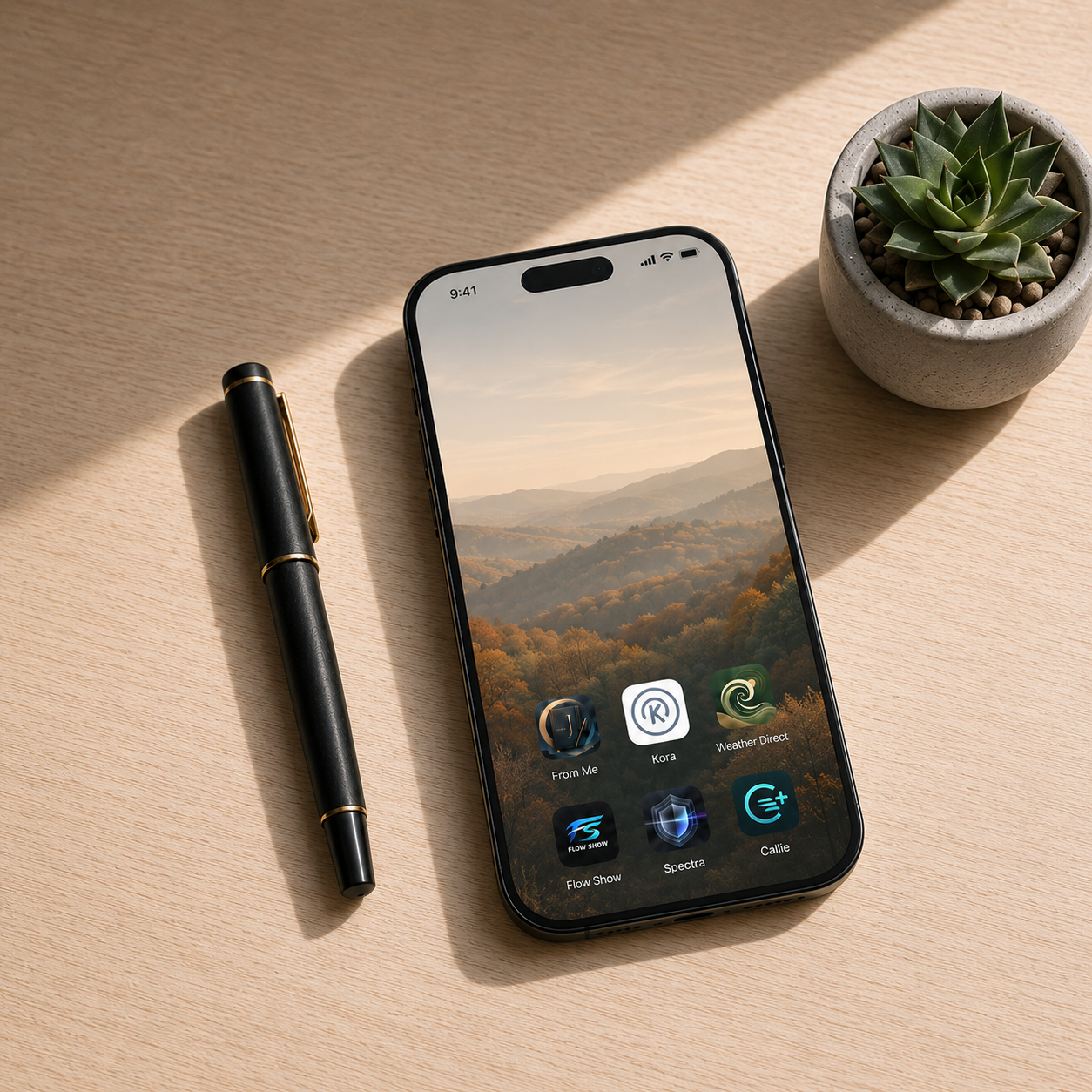
This is the core of the Clairos philosophy. Whether it is the professional precision of Kora or the effortless utility of Callie, our goal is to provide tools that support your strength without adding to your weight. We believe that the most powerful technology is the technology that you forget you are using. When the tools disappear, the work becomes the only thing left in the room.
If you are feeling the weight of your digital environment today, start small. Delete one bloated app that you haven't used in a month. Move your most-used utility to the most accessible spot on your screen. Notice the slight lift in your mood when the friction vanishes. That is the beginning of your digital sanctuary.
For more on designing a life around intentional technology and breaking the cycle of digital distraction, explore our thoughts on Beyond the Dopamine Loop.